Studio demo · view only
This is the studio you run on your own server
Every page here is a copy of the real dashboard, filled with videos the studio made itself. Look around as much as you like: nothing can be changed and nothing is uploaded. Your studio looks exactly like this, with your channel's videos in it.
The tour
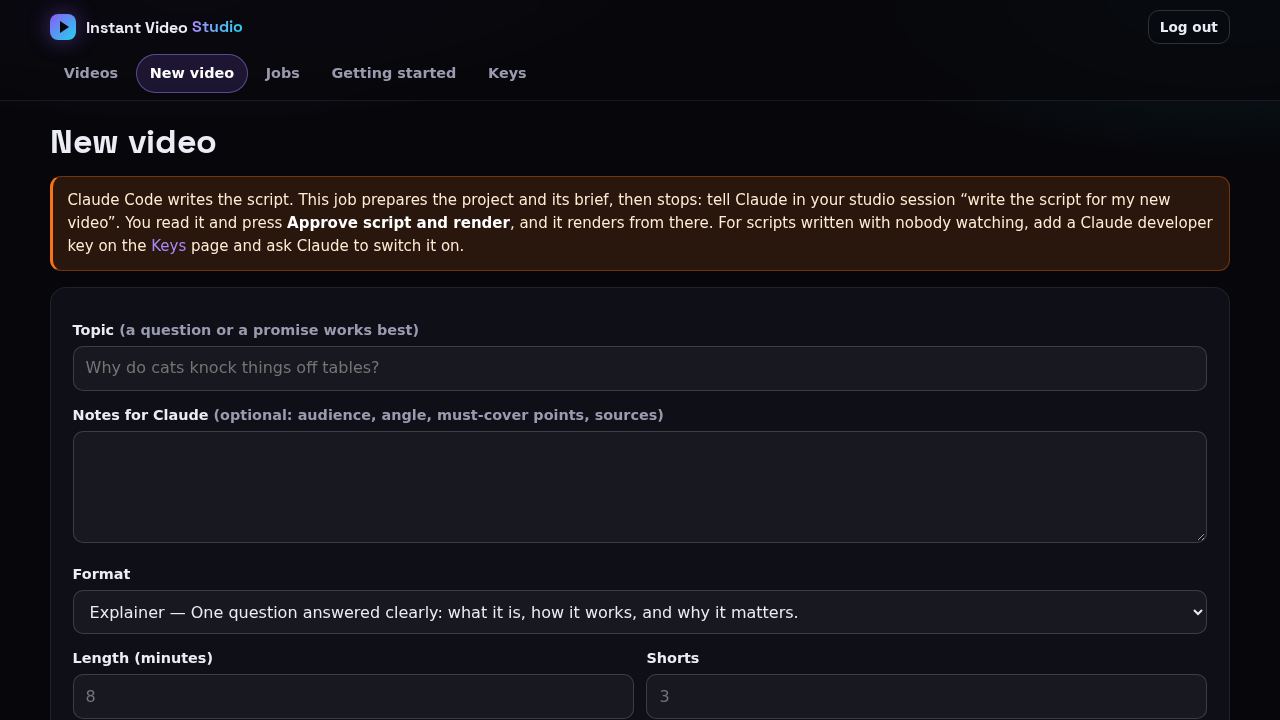
Make a video
Type a topic, pick a format, a length and how many Shorts. Claude writes the script on your Claude plan; the studio voices it, draws the cards, finds the pictures, renders, adds music and captions, and checks its own work. The Jobs tab follows it stage by stage.
Open →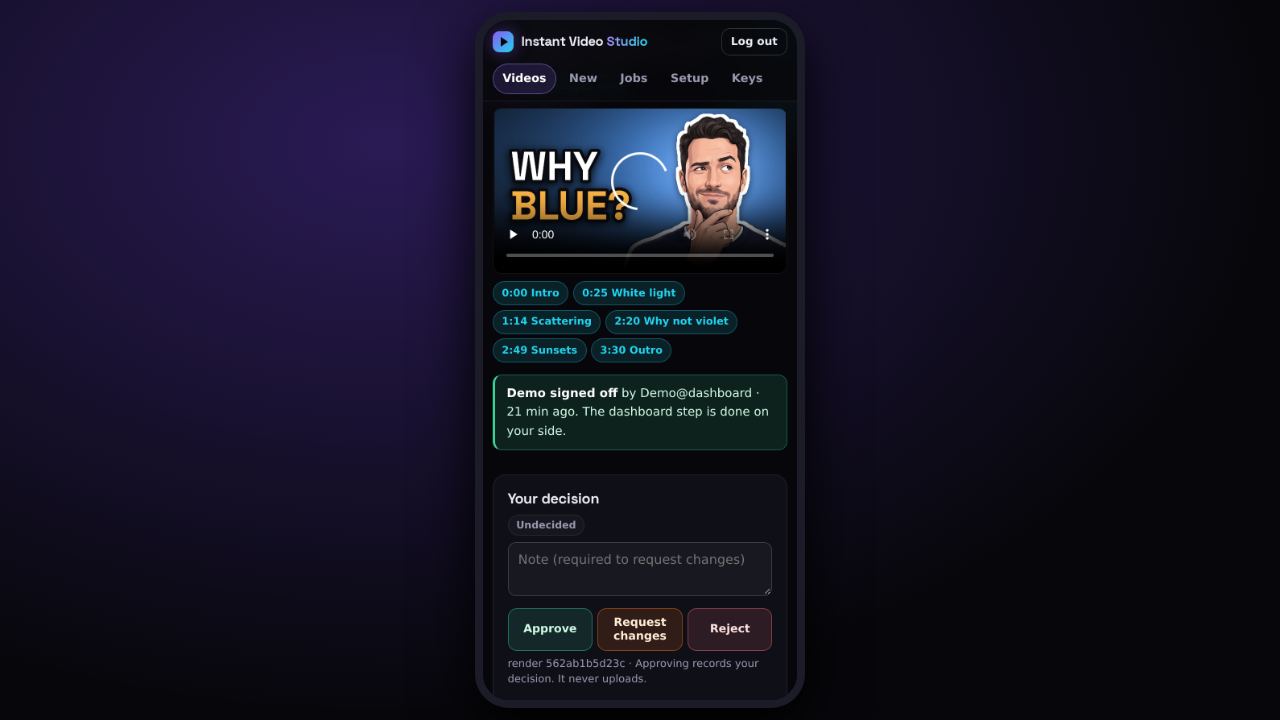
Review & approve on your phone
Every video gets a review page: the player with chapters, the facts to check before you approve, and Approve · Request changes · Reject for the video and each Short. It works on your phone. Approving never uploads: you publish in YouTube Studio.
Open →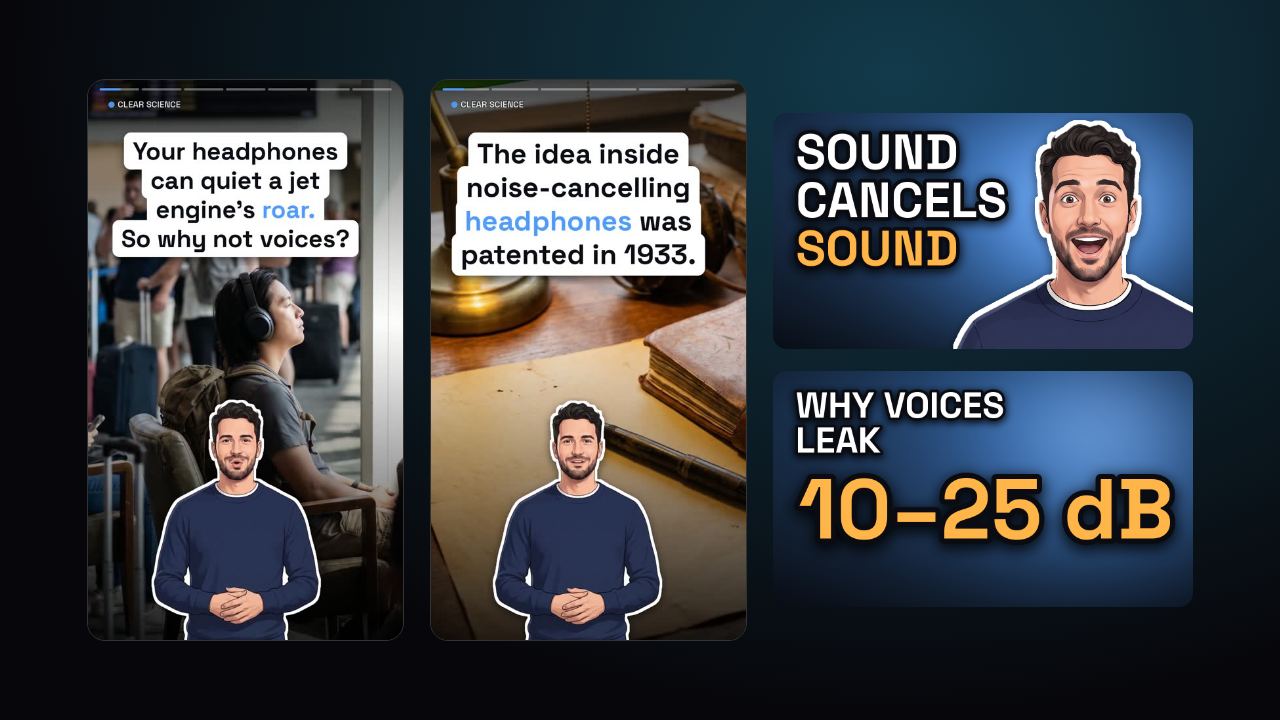
Shorts & thumbnails
Three vertical Shorts cut from each video, and three thumbnail designs (presenter, photo, data) to pick from, with a preview of how they look in the feed. Title, description, tags and chapters are ready to paste.
Open →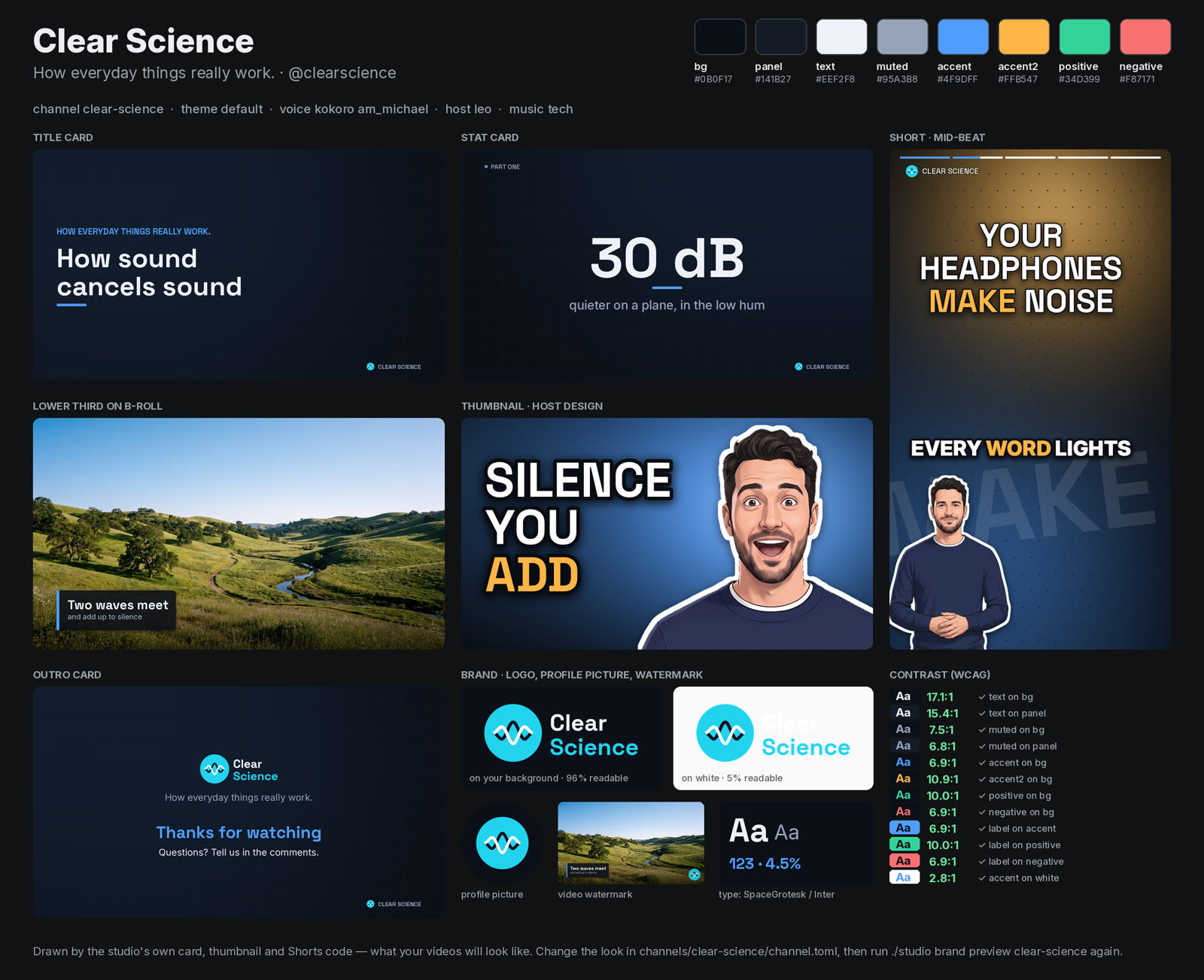
Your channels & brand
Each channel has its own name, logo, colours, fonts, voice, presenter and music. One brand sheet shows the title card, stat card, lower third, thumbnail, a Short and the outro in your look.
Open →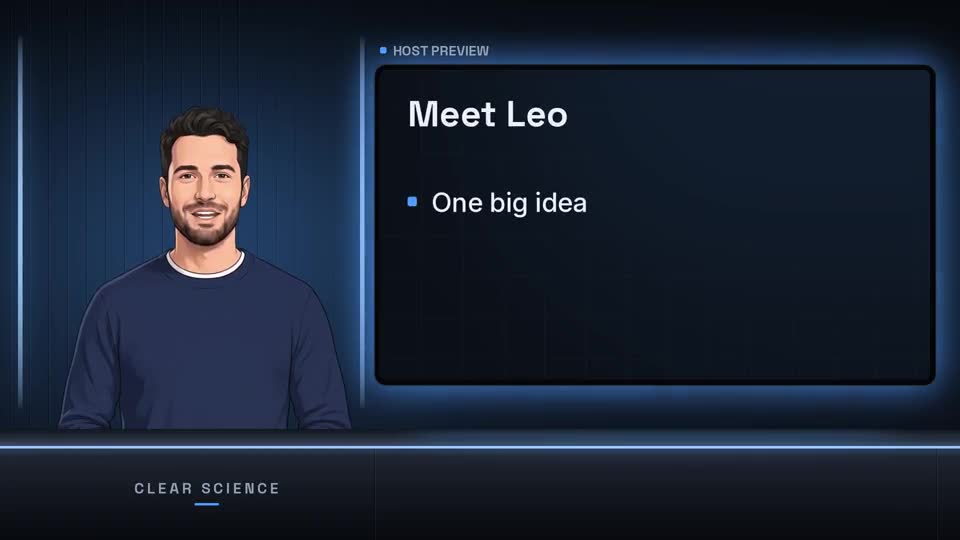
Presenters & voices
An animated presenter who lip-syncs every line, or no presenter at all. Hear the free voices side by side and pick one by ear.
Open →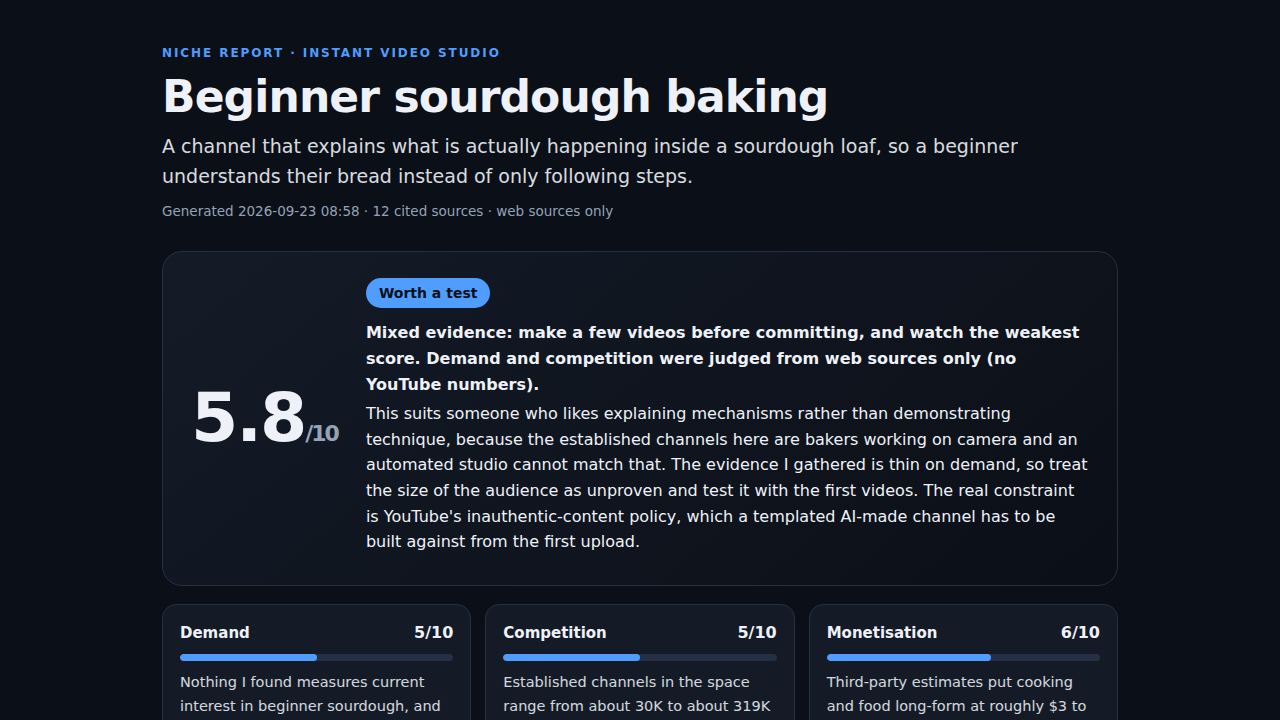
Find a niche · add-on
Add-on · sold separately The Niche Researcher helps you pick a channel niche that isn't saturated: demand, competition, audience value and faceless fit, with sources and a channel plan. Not part of the studio kit; the studio itself researches and fact-checks every video's topic.
Open →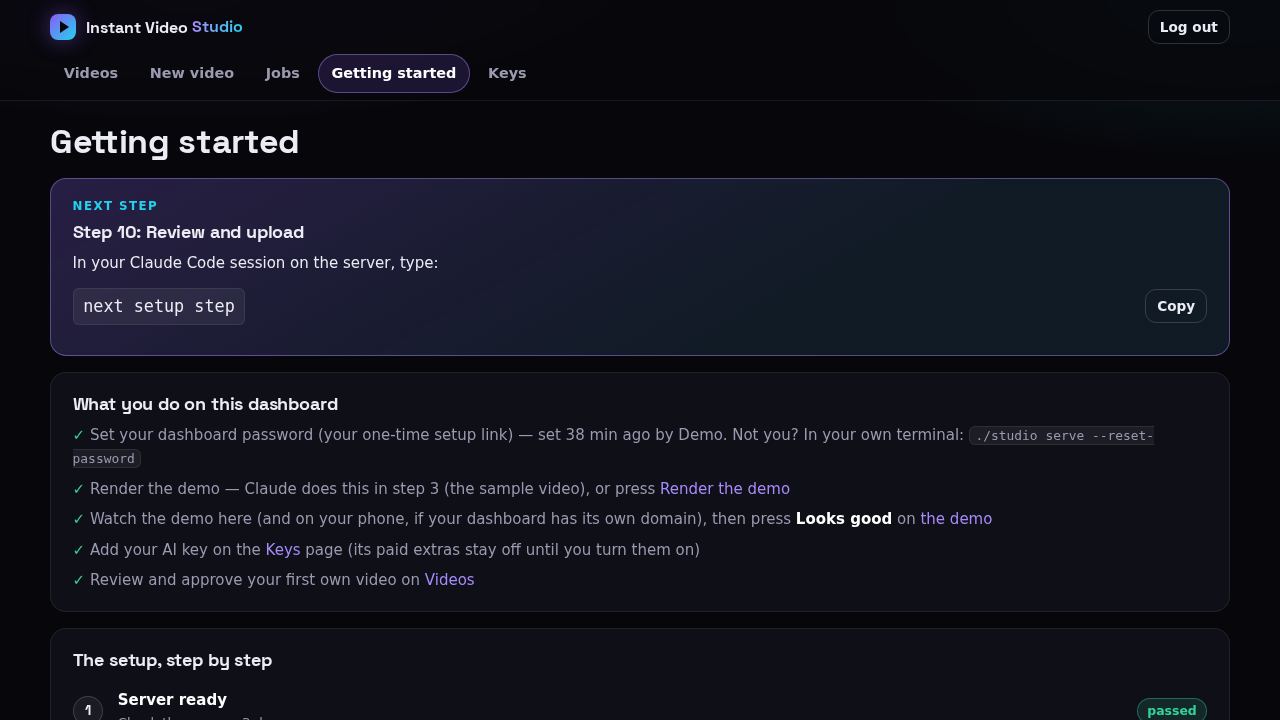
Setup progress
Ten plain steps from an empty server to your first uploaded video. Each one ends in a check the studio runs itself, and this page always shows the next step.
Open →Also in the studio
The two videos here are real renders: How noise-cancelling headphones make silence by adding sound (6:38, three Shorts, presenter Leo) and the bundled sample Why is the sky blue? that every studio renders on day one.
Want this on your own server?
The kit, the step-by-step Claude runbook and the setup course: your Claude sets it up on a server you rent, and every video it makes is yours.